Share Dashlane account
Discover how sharing a Dashlane Friends & Family account on Sharingful lets you manage passwords securely and cost-effectively, optimising your spending on digital subscriptions.
From £0.67/month
Share Dashlane on Sharingful
Sharingful helps you to share the cost of your favorite subscriptions and save up to 70% of the price.
Did you know that the subscription price for Dashlane is £6.65, but by sharing the Dashlane account, you can have it from just £0.67 per month?
Sharing a Dashlane account is very easy.

Become an admin
Register and click on "Create a group group" if you already have a Dashlane subscription and want to share your account with others.

Form the group
Create a Dashlane group, you will be able to share the account with up to 9 more people. You will only have to select how many people you want to share the subscription with.

Receive the payments
Once you have formed the group, you will receive the money from your group members at the end of each month from the date they joined. You will receive £0.67 per person and you can receive up to a total of £6.03 by sharing your subscription with 9 more people.
Save with a shared Dashlane account.
Follow these 3 steps to join a Dashlane group.

Look for a group.
Click on "Choose group" and select the Dashlane group you want to join.

Send requests
Now you will only have to send a request to the group you want to join.

Access the wallet
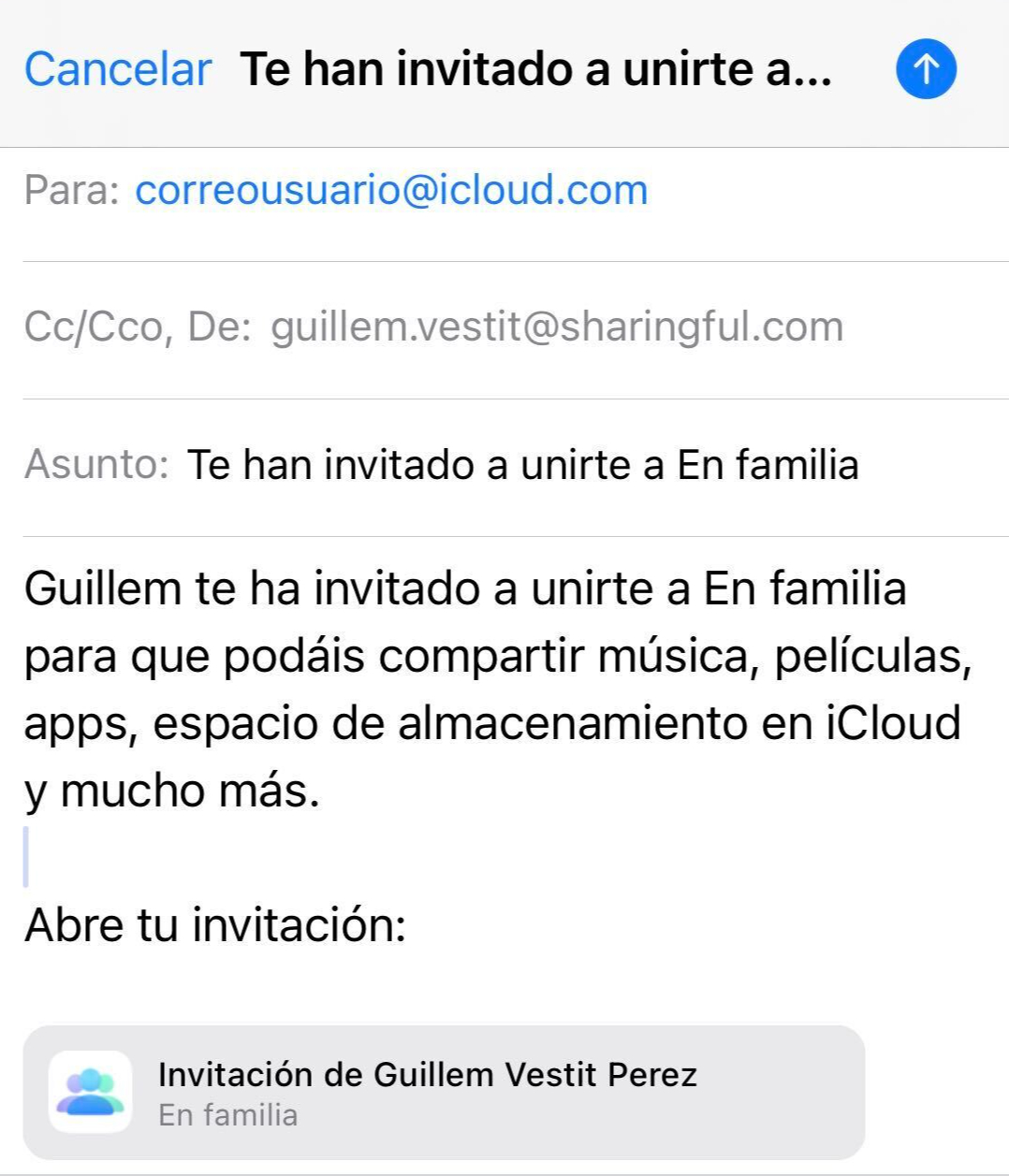
Once the administrator has accepted your request, you will only have to accept the invitation from Dashlane that you will receive in your email.
What do you want to do?
Share my Dashlane account
Join someone else's Dashlane group
Invite other people to join your group or accept requests you receive to become part of your group; this way, you'll save money with the shared account.
Every month, you will receive the contributions from the other members and save on your shared subscription. It's a smart way to enjoy your favorite music platform without overspending. Enjoy all the content and save money!

Join a Sharingful group. Enjoy your favorite subscriptions and save money by sharing the costs of shared subscriptions with others.
By sharing the subscription, you can save up to 80% of the cost of the shared subscription.

Testimonials from our users
Share Dashlane Friends & Family account
What is Dashlane Friends & Family?
Dashlane Friends & Family is a premium subscription that offers a secure and efficient password manager for groups of up to 10 people. With Dashlane, you can securely store and manage your passwords, share them with trusted family and friends, and enjoy safer and hassle-free online browsing.
How to share the Dashlane Friends & Family account?
Sharing your Dashlane Friends & Family account on Sharingful is a simple and secure process. You just need to register on our platform, select the option to share your Dashlane subscription, and add the people you wish to share it with. Each group member will have full access to Dashlane's premium features, ensuring the security and privacy of their data.
Advantages of sharing it on Sharingful
By sharing your Dashlane Friends & Family account on Sharingful, you not only optimize the use of your subscription but also enjoy multiple benefits:
- Significant savings: Reduce the cost of your subscription by splitting it among group members.
- Centralized management: Easily manage who has access to your shared account.
- Guaranteed security: Sharingful ensures that your data and that of your friends and family are protected.
How much can you save?
The standard price of the Dashlane Friends & Family subscription is €6.65 per month. By sharing it with up to 10 people through Sharingful, each member can enjoy the benefits of Dashlane for a fraction of the original cost. This means you could reduce the monthly cost to less than €0.67 per person, achieving significant savings while maintaining security and efficiency in password management.