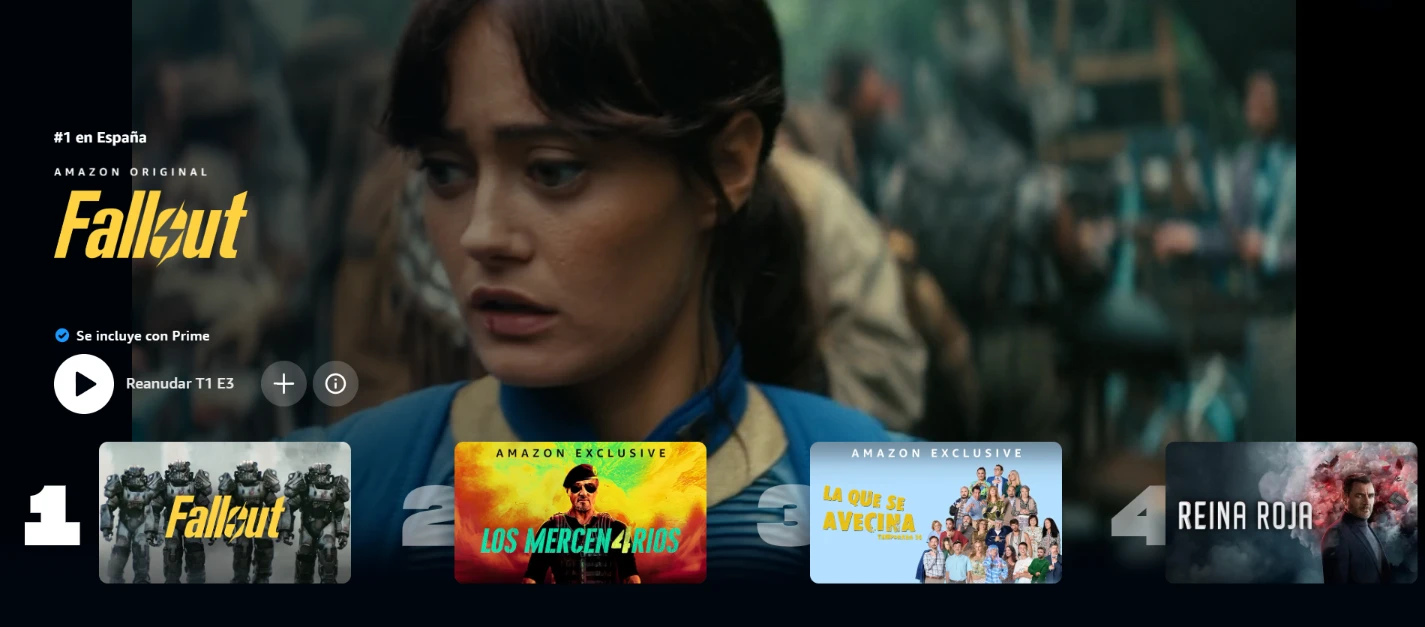
Share Amazon Prime Video account
Reduce the cost of your subscription by up to 66% by sharing your Prime Video account
From $4.00/month
Share Amazon Prime Video on Sharingful
Sharingful helps you to share the cost of your favorite subscriptions and save up to 70% of the price.
Did you know that the subscription price for Amazon Prime Video is $12.00, but by sharing the Amazon Prime Video account, you can have it from just $4.00 per month?
Sharing a Amazon Prime Video account is very easy.

Become an admin
Register and click on "Create a group group" if you already have a Amazon Prime Video subscription and want to share your account with others.

Form the group
Create a Amazon Prime Video group, you will be able to share the account with up to 2 more people. You will only have to select how many people you want to share the subscription with.

Receive the payments
Once you have formed the group, you will receive the money from your group members at the end of each month from the date they joined. You will receive $4.00 per person and you can receive up to a total of $8.00 by sharing your subscription with 2 more people.
Save with a shared Amazon Prime Video account.
Follow these 3 steps to join a Amazon Prime Video group.

Look for a group.
Click on "Choose group" and select the Amazon Prime Video group you want to join.

Send requests
Now you will only have to send a request to the group you want to join.

Access the wallet
Once the administrator has accepted your request, you will only have to accept the invitation from Amazon Prime Video that you will receive in your email.
What do you want to do?
Share my Amazon Prime Video account
Join someone else's Amazon Prime Video group
Invite other people to join your group or accept requests you receive to become part of your group; this way, you'll save money with the shared account.
Every month, you will receive the contributions from the other members and save on your shared subscription. It's a smart way to enjoy your favorite music platform without overspending. Enjoy all the content and save money!

Join a Sharingful group. Enjoy your favorite subscriptions and save money by sharing the costs of shared subscriptions with others.
By sharing the subscription, you can save up to 80% of the cost of the shared subscription.

Testimonials from our users
Share Prime Video
What is Amazon Prime Video?
Amazon Prime Video is a video-on-demand streaming service that is part of Amazon Prime. Available since 2006, it offers a variety of content including movies, series, and original productions. Subscribers can access this content at any time from various devices such as smartphones, tablets, and smart TVs.
Steps to Share the Prime Video Subscription
Sharing the Subscription as an Administrator
To share your Prime Video subscription, follow these steps:
1. In the Prime Video app menu, select Account and Settings.
2. Access the "Restrictions" tab and set a secure PIN for the account.
3. Enable purchase restrictions to prevent unauthorized purchases.
4. Wait to receive the "TV code" and go to primevideo.com/mytv to enter it.
Using the Subscription as a Member
As a member of a shared group, make sure to use a compatible device to activate your subscription using a "TV code".
- Compatible devices include Smart TVs, media players, and gaming consoles.
- Non-compatible devices are smartphones, computers, and tablets.
Follow these steps to activate your device:
1. Install and open the Prime Video app on your compatible device.
2. Select "Sign In" and then "Register on the Prime website" to obtain a TV code.
3. Send this code to the group administrator to activate your device.
Costs and Benefits of Amazon Prime Video
The ad-free plan of Amazon Prime Video costs €6.98 per month in Spain, allowing the account to be shared with up to 2 additional people, resulting in a cost per person of approximately €2.33 per month when fully shared.
